
In the SEO world, we all spend a LOT of time optimizing our content.
But did you know optimizing your site’s images is also super important?
Well, let me tell you all about it.
In this guide, I’m going to cover:
- Exactly what image SEO is
- Its benefits and importance
- 9 best practices for optimizing your images
- Common mistakes to avoid
- How image SEO fits into on-page SEO
By the end, you fully understand why image optimization is crucial for your site and how it can help users and improve your rankings on the SERPs and Google Images.
What Is Image Optimization?
Image optimization is improving the quality, relevance, and performance of images on your website to support your SEO goals. This means making sure images:
- Load quickly without sacrificing quality
- Use proper file names and alt text
- Are responsive and mobile-friendly
- Help Google and users understand the content visually
When done right, image optimization enhances both user experience and search engine visibility. It can drive more traffic, boost engagement, and improve your overall website rankings.
Importance Of Image Optimization For SEO
You might think, “Is Google paying attention to my images?”
Absolutely. Google’s guidelines recommend using actual <img> tags, adding descriptive alt text, and ensuring your visuals are crawlable and quick to load. Here’s why it’s important:
- Faster page load times
- Better rankings in Google Images
- More accessible content (great for screen readers)
- Improved user experience
Image SEO Best Practices
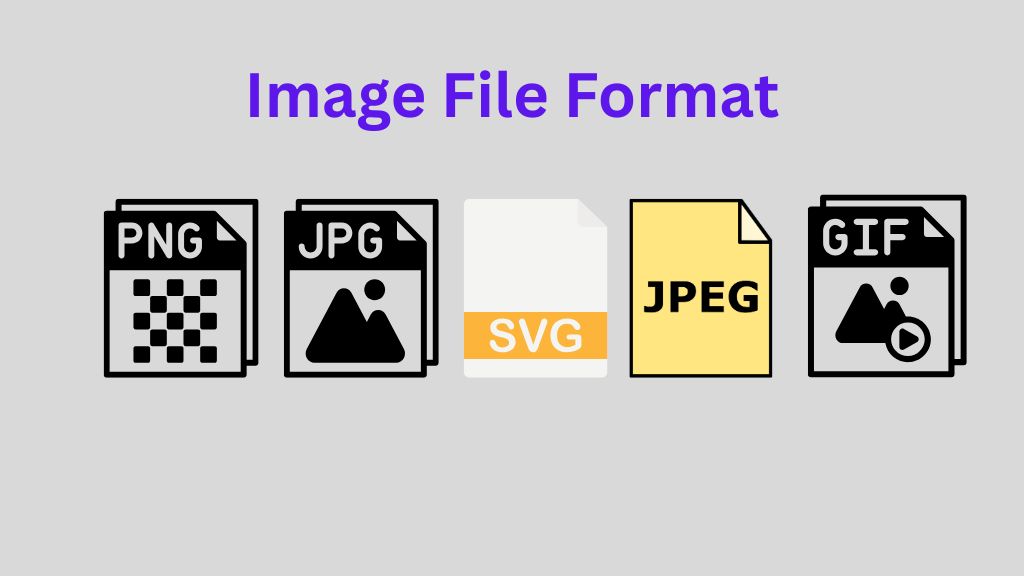
Choose the Right Image File Format
Different image formats serve different purposes. Choosing the right one helps balance quality and performance.
| Format | Best For | Notes |
|---|---|---|
| JPEG | Photos and complex images | Small file size, good quality |
| PNG | Images needing transparency | Bigger files, but crisp |
| WebP | Most web users | Smaller, faster, supported by most browsers |
| SVG | Icons and logos | Scalable and super lightweight |
Example:
Use a JPEG for a travel blog photo, but a PNG for your logo with a transparent background.
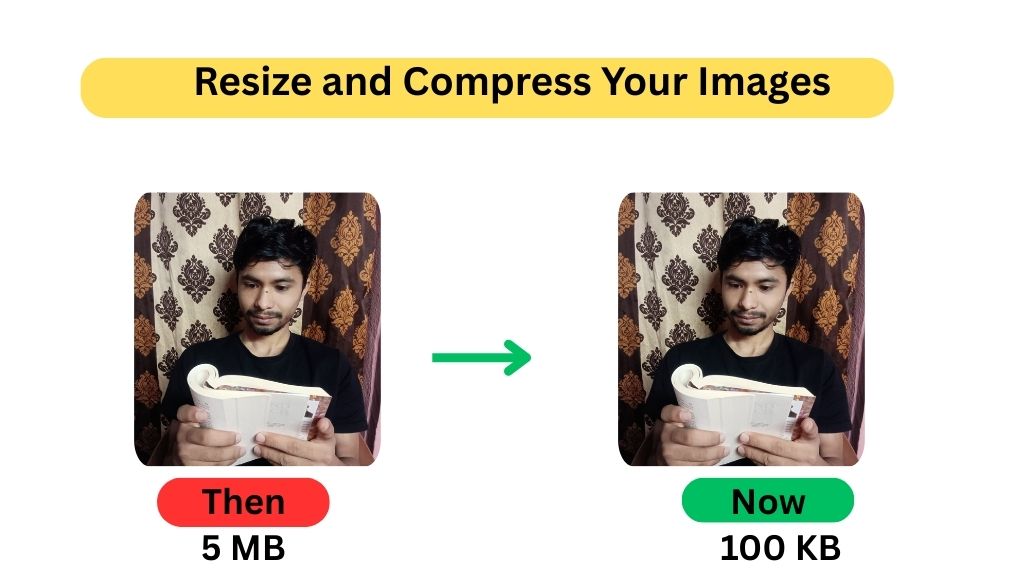
Resize and Compress Your Images
Large image files slow down your site. A slow site means lower rankings and frustrated users.
How To Improve It:
- Resize images to the maximum display size needed (don’t upload a 5000px image if your site shows it at 800px).
- Compress images to reduce file size without losing visible quality.
Example Tools:
Tip: Keep images under 200KB where possible.
Use Descriptive, Keyword-Rich Filenames
Google can’t “see” your image, but it can read the filename.
Bad Filename:
IMG_4321.jpg (tells Google nothing)
Good Filename:
chocolate-chip-cookie-recipe.jpg (descriptive and keyword-rich)
Example:
For an image of a golden retriever fetching a ball, use: golden-retriever-fetching-ball.jpg
This tells both Google and users exactly what the image is.
Write Effective Alt Text (Alternative Text)
Alt text is one of the most important parts of image SEO. It’s used:
- When images can’t load
- By screen readers (for visually impaired users)
- By Google, to understand what the image shows
Alt Text Best Practices:
- Be descriptive, but concise
- Use main keywords naturally
- Don’t use “image of” or “picture of”
- Avoid stuffing keywords
Example:
Bad Alt Text: SEO, SEO image, best image SEO, image image
Good Alt Text: Dalmatian puppy playing fetch in the park
Use Captions (If Appropriate)
Captions are the small bits of text that appear under an image. While not required for every image, they’re one of the most-read parts of a page.
Tip:
Use captions to add context or highlight something important. Make sure they match the image topic.
Example:
Image: A woman using a yoga app
Caption: “Practising yoga from home using a guided mobile app.”
Implement Lazy Loading
Lazy loading makes your page load faster by only loading images when users scroll to them.
You can do this easily with most modern website builders, plugins, or by adding a simple loading=”lazy” attribute in your image tag.
Example HTML:
<img src=”sunset-over-mountains.jpg” alt=”Sunset over the Himalayas” loading=”lazy”>
Make Images Mobile-Friendly (Responsive)
Google uses mobile-first indexing, so your images need to look good and load fast on small screens.
Tip:
Use responsive images that adjust to screen size. Use the srcset attribute in HTML or make sure your CMS handles it.
Example:
<img
src=”hero.jpg”
srcset=”hero-small.jpg 480w, hero-medium.jpg 1024w, hero-large.jpg 1600w”
sizes=”(max-width: 600px) 480px, 800px”
alt=”Climber reaching mountain summit at sunrise”>
Add Images to Your XML Sitemap
If you want images to appear in Google Images search, make sure they’re included in your sitemap.
Most SEO plugins like Yoast or Rank Math do this automatically. But if you’re coding manually, here’s what it might look like:
<image:image>
<image:loc>https://yourdomain.com/images/banana-bread.jpg</image:loc>
<image:caption>Moist banana bread fresh from the oven</image:caption>
</image:image>
Use Real Tags, Not CSS Backgrounds
Google prioritises images in real <img> HTML tags. Avoid hiding important visuals behind CSS.
Bad:
Using background-image: url(…); in CSS for key images.
Good:
<img src=”seo-guide-cover.jpg” alt=”Cover of beginner’s SEO guide”>
This makes it indexable and SEO-friendly.
Common Image SEO Mistakes to Avoid
Let’s summarise a few “don’ts” to stay away from:
| Mistake | Better Practice |
| Using filenames like DSC12345.jpg | Use handmade-ceramic-mug.jpg |
| Skipping alt text | Write descriptive alt text |
| Uploading huge 5MB images | Compress to under 200KB |
| Using CSS backgrounds | Use real <img> tags |
| Ignoring mobile optimisation | Make images responsive |
How Image SEO Fits Into On-Page SEO
Image SEO is just one piece of the on-page SEO puzzle. It works best when your:
- Headings are structured
- Content is relevant
- Internal links are organised
- Page is mobile-friendly
Want to learn how everything ties together? Read our beginner’s on-page SEO optimisation guide to see how images support your broader strategy. Or,
Learn about Title and Meta Description Optimisation to get more traffic.
Conclusion
Images can either help your rankings or hurt them. But now you know exactly how to turn your visuals into SEO assets.
Let’s recap the key steps:
- Choose the right format (JPEG, PNG, WebP, etc.)
- Resize and compress your files
- Use descriptive filenames
- Write effective alt text
- Consider captions and lazy loading
- Make your images responsive
- Add them to sitemaps
- Use proper <img> tags
With just a few changes, you can make your website faster, more accessible, and better optimized for Google.
FAQs
Here are 4 commonly asked FAQs about image optimisation for SEO:
1. Does image size affect SEO?
Yes, large image files can slow down your website, negatively impacting user experience and SEO rankings. Google prioritises fast-loading pages, so resizing and compressing images is essential for better performance.
2. Is using WebP images better than JPEG or PNG?
WebP is generally better for SEO because it offers superior compression with good image quality, resulting in faster load times. However, not all browsers support WebP fully, so using fallback formats or checking compatibility with your audience is important.
3. Should I use keywords in image filenames and alt text?
Yes, but naturally. Including relevant keywords in filenames and alt text can help your images rank in Google Images and support your overall page relevance. Avoid keyword stuffing—be clear and descriptive.
4. Can I use the same image alt text on multiple pages?
Writing unique alt text for each image is better, especially if the images serve different purposes. Duplicate alt text may confuse Google and reduce your chances of ranking well in image search results.